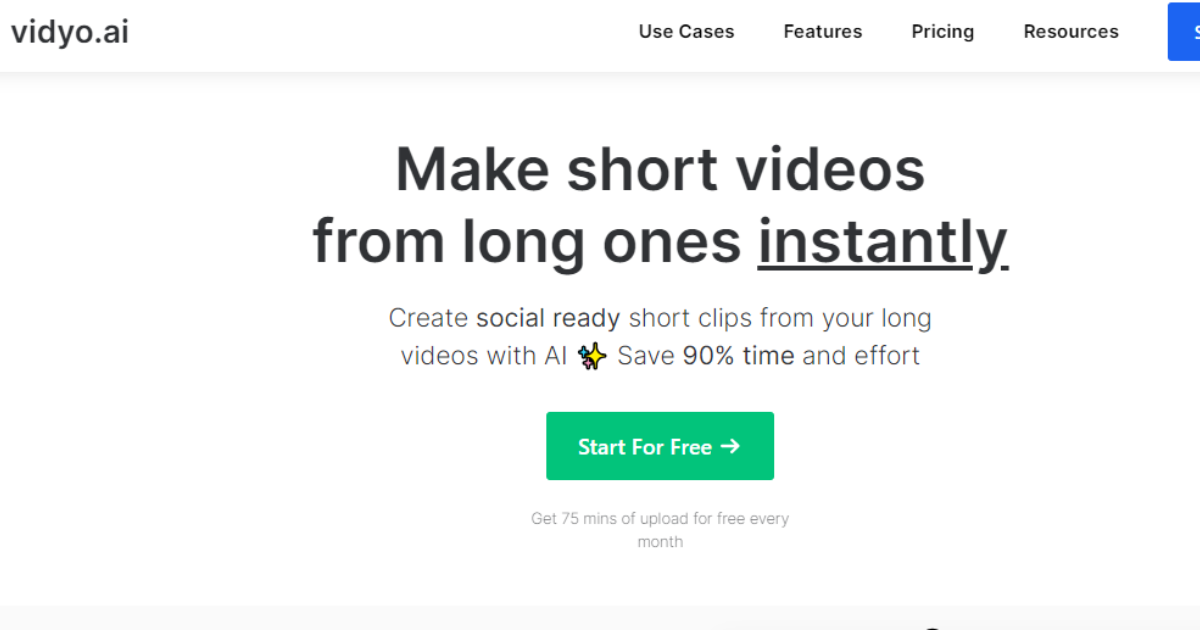
Description
If you're tired of spending hours editing your videos or watching others waste time on their own, Vidyo is the perfect solution. Vidyo is a video editing app that takes the hassle out of editing your videos. With Vidyo, you can shorten your videos in seconds with just one click. Vidyo is available on both mobile and desktop platforms so you can access it wherever you are--whether that's on your phone or laptop at home, or at work with your team members in the office
Effortless Video Editing with Vidyo: Shorten Your Videos in Seconds
If you're tired of spending hours editing your videos or watching others waste time alone, Vidyo is the perfect solution. With just a few clicks and seconds of the video, you can reduce the time it takes to make a video by up to 95%.

Vidyo automatically detects where in the video you want to start cutting down on time and then gives you an option for how much shorter it should be. Select that option if you want two minutes out of five; cut down to one minute and 30 seconds! It's really easy!
Vidyo is a video editor that takes the hassle out of editing your videos.
Vidyo is a video editing app that takes the hassle out of editing your videos. With Vidyo, you can shorten your videos in seconds with just one click. Vidyo is available on mobile and desktop platforms, so you can access it wherever you are--whether on your phone or laptop at home or working with your team members in the office!
Cut down the time you waste watching videos Overlays and titles are easy to add.
Vidyo can shorten your videos to just the right length for your audience. You'll spend less time watching videos and more time getting on with what matters to you.
Overlays and titles are easy to add. You can add text, images, and video to your video. You can also change the background colour or pattern for a professional look. You can even add a border around your video!
Also, See This: The Marvels Tool BHuman for Personalized Video Content & Measure Results
Trim the fat from your existing videos.
The trimming tool is the first tool you will see when you open the program. It allows you to select a section of your video and cut it out, leaving only the parts you want to keep.
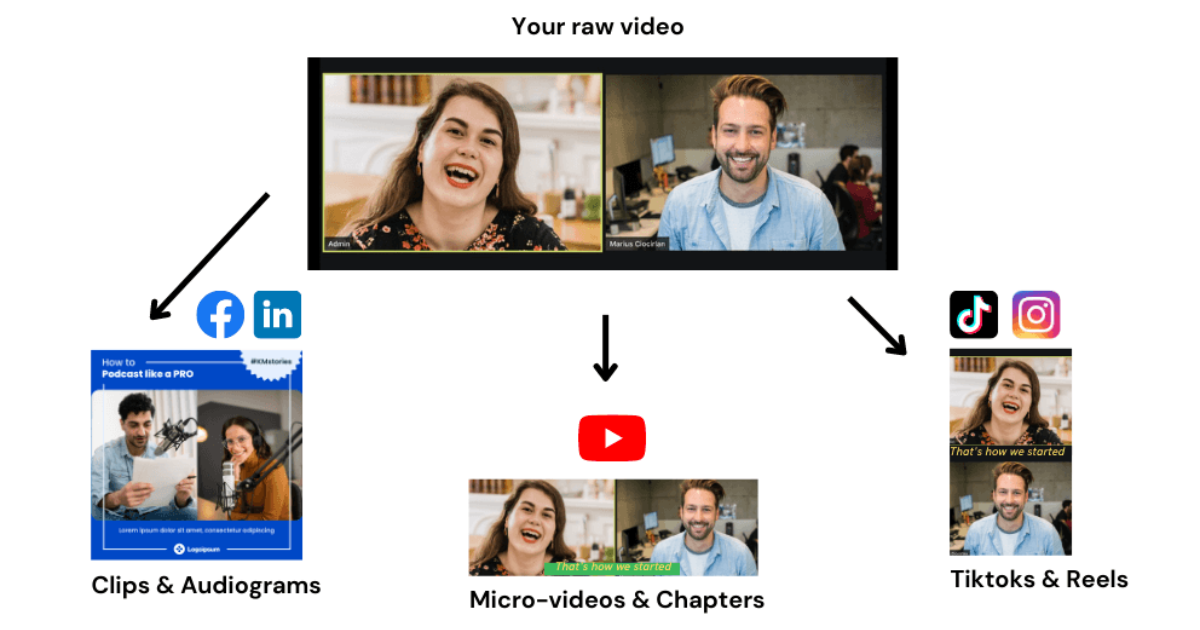
To use this feature, click "Trim" in the top-right corner of Vidyo's interface (this button will be greyed out if no section is selected). A box will appear around whatever part of your footage that was last selected or highlighted; click anywhere else on the screen with another part selected if necessary. When finished trimming, click "OK" at the bottom right and voila! You have shortened your video without having to sacrifice quality or content!
Make audio-only versions of your videos by choosing "Audio only" as your format.
One of the best things about Vidyo is that it makes creating audio-only versions of your videos easy. This is useful if you want to post a video on Instagram or Twitter but not have people distracted by the visuals. It's also great for Facebook videos, where videos are limited to 30 seconds in length--if your video is longer than that, creating an audio-only version is often the best way to ensure that all of its content fits within those constraints while still being able to share all of your thoughts with followers!
If you want even more control over how long each clip lasts in your final project (for example, if there are parts where no talking occurs), then try using our advanced trimming tool instead:
Customize your video with text, effects, music and more.
- Customize your video with text, effects, music and more.
- Add a title or caption to the beginning of your video.
- Add a description at the end of your video so viewers can learn more about it!
Vidyo is a great option for editing videos on social media platforms like Instagram, Facebook and Twitter.
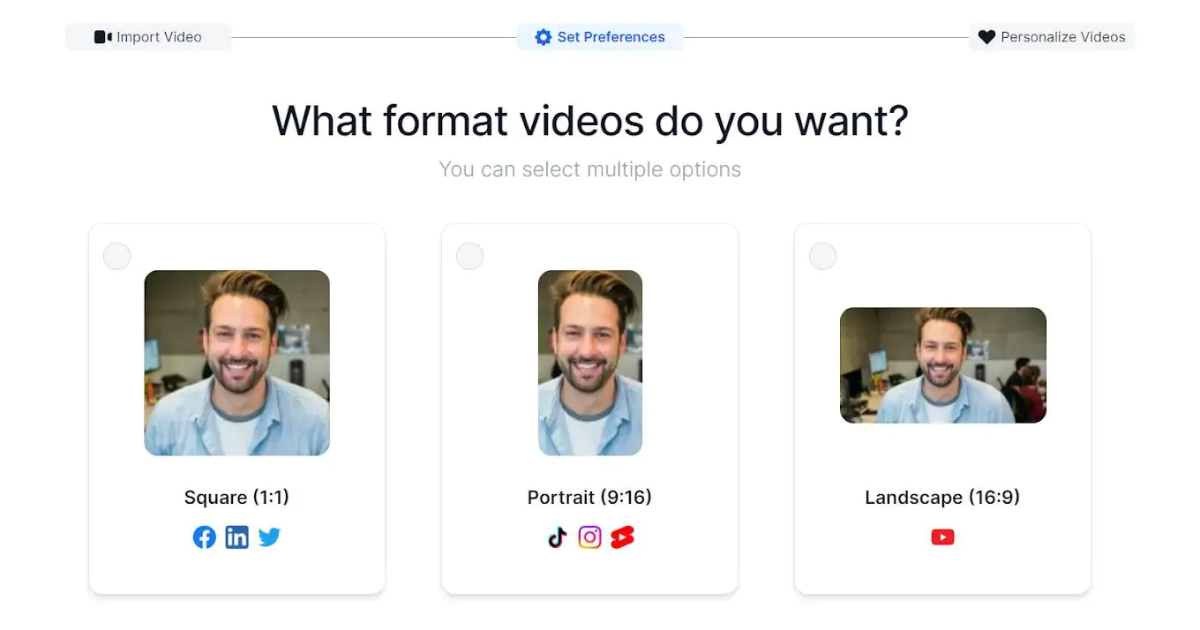
Vidyo is free for up to 100 videos per month. You can download Vidyo from the iOS App Store or Google Play Store, or if you have access to a desktop computer or laptop, visit www.vidyovideoeditor.com to use Vidyo online!
Also, See This: Colossyan Unleashed Get to Know the Creative Genius Behind the Video
Vidyo is a simple and effective way to shorten your videos
Vidyo is a simple and effective way to shorten your videos. With just one click, you can shorten your video by 20%, 30%, or even 50%. This will save you time in the long run and keep your viewers' attention focused on what's important.
Vidyo is great for condensing videos because it gives users control over how much time they want to spend watching their content--and this feature makes it easier for people worldwide to watch and understand what you're trying to say!
Conclusion
Vidyo is a great option for editing videos on social media platforms like Instagram, Facebook and Twitter. It allows you to shorten the length of your video effortlessly and easily add overlays or titles. You can also make audio-only versions of your videos by choosing "Audio only" as your format. With Vidyo, creating beautiful content has never been easier!
Vidyo Instantly Transforming Long Videos into Bite-Sized Clips
Frequently Asked Questions
Is Vidyo secure?
Vidyo takes security seriously and provides various measures to ensure privacy and confidentiality.
Can I use Vidyo on my mobile device?
You can use Vidyo on your mobile devices, such as smartphones and tablets.
How does Vidyo work?
Vidyo uses advanced video compression technology to deliver crystal-clear video and audio, even in low-bandwidth environments.